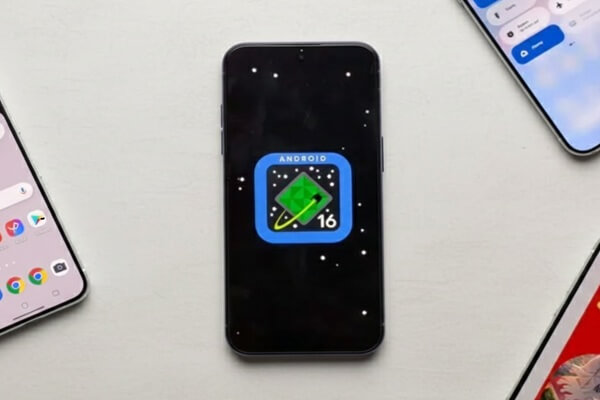
Google has started rolling out the much-awaited Android 16 QPR2 update for Pixel smartphones. This new Quarterly Platform Release brings several improvements in design, security, performance, and everyday usability. The update is now available for many Pixel models, and users can install it through the regular system update settings.
Which Pixel phones are getting the update
The Android 16 QPR2 update is available for the following devices:
-
Pixel 6, Pixel 6 Pro, Pixel 6a
-
Pixel 7, Pixel 7 Pro, Pixel 7a
-
Pixel 8, Pixel 8 Pro
-
Pixel 9 series
-
Pixel Fold
-
Pixel Tablet
Google continues to support a wide list of Pixel phones, and with this new update, the company aims to offer a smoother and more refined Android experience.
Key features in Android 16 QPR2
The update includes many new features that make the phone easier to use and more customizable. Here are the major highlights:
1. New icon styles and auto-theming
With Android 16 QPR2, Google adds new ways to customize the home screen. Users can now select different icon shapes for apps and folders. If an app does not support a themed icon, the system will automatically generate one. This helps the overall look of the phone stay clean and consistent.
2. Better dark mode
Dark mode has received big improvements. The new system-wide dark theme now works even in apps that do not officially support dark mode. This helps reduce eye strain at night and gives the entire interface a uniform appearance.
3. Lock screen widgets
One of the most useful features of Android 16 QPR2 is the return of lock screen widgets. Users can swipe left on the lock screen to see a widget page. They can add, remove, or rearrange widgets to get quick access to information such as weather, calendar events, reminders, and more. Google has also added a cleaner widget picker to make setup easier.
4. Smarter notifications
Notifications have been improved to make the experience less cluttered. A new notification organizer separates high-priority alerts from promotional or low-priority messages. This means important updates, such as messages and app alerts, stay visible, while less important notifications are pushed down automatically.
5. Brighter and sharper display options
A new “Enhanced HDR brightness” setting improves visibility in outdoor conditions. This helps users who frequently move between indoor and outdoor lighting.
6. Performance upgrades
Google has made several behind-the-scenes improvements to the Android system. A better memory and garbage-collection system reduces battery drain and improves overall performance. Apps open faster and the device feels more responsive, especially on older Pixel models.
7. Stronger security features
Security has also been upgraded. Google has improved protection against activities such as OTP-theft by adding safer ways for apps to read one-time passwords. Regular patches in the update also fix known vulnerabilities to keep users safe.
Google moves to faster update cycle
With Android 16 QPR2, Google continues its shift toward more frequent and faster updates. Instead of waiting for one big Android release each year, users will now receive smaller updates that add new features and improvements throughout the year. This helps solve the long-standing issue of slow updates on many Android devices.
This new update model is especially helpful for developers, who can adopt new features quickly without worrying about major system changes all at once.
How to install the update
Pixel users can check for the update by going to:
Settings → System → System Update → Check for Update
Once the update appears, users can download and restart the device to apply the changes.
Conclusion
Android 16 QPR2 is a meaningful update for Pixel owners. It brings better customization, stronger security, smoother performance, and a more modern Android experience. With this release, Google is promising quicker improvements and a more reliable update cycle in the future.